

Choosing training for modern accounting involves more than learning where to click: you need double-entry knowledge, reliable reconciliation habits, tax awareness, and practice with the software edition employers and clients actually use. By the end, you should know whether you need one combined course or two enrolments, what practical exercises to demand, and which platform fits your work goals.
Key takeaways
- Confirm whether one enrolment covers both QuickBooks and Xero.
- Trace every transaction from invoice or receipt to the final financial report.
- Check how the course handles Indian GST and foreign-currency transactions.
- Practise bank reconciliation, user permissions, and month-end review controls.
Does one course cover both QuickBooks and Xero, or are two enrolments needed?
Before paying, ask whether the institute offers a combined QuickBooks and Xero course or requires two enrolments.
| Course format | What to verify | Risk |
|---|---|---|
| Combined QuickBooks Online and Xero course | Both platforms receive complete modules and hands-on practice | One platform may receive only a brief demonstration |
| Two separate courses | Check whether the second course builds on bookkeeping basics | You may pay twice for repeated theory |
| One platform plus optional add-on | Confirm the add-on’s hours, projects, and assessment | “Coverage” may mean only recorded videos |
A credible syllabus begins with double-entry bookkeeping: debits, credits, account classification, trial balance preparation, and investigation of an unbalanced trial balance. Software entry without this foundation leaves you unable to find a wrong debit or credit.
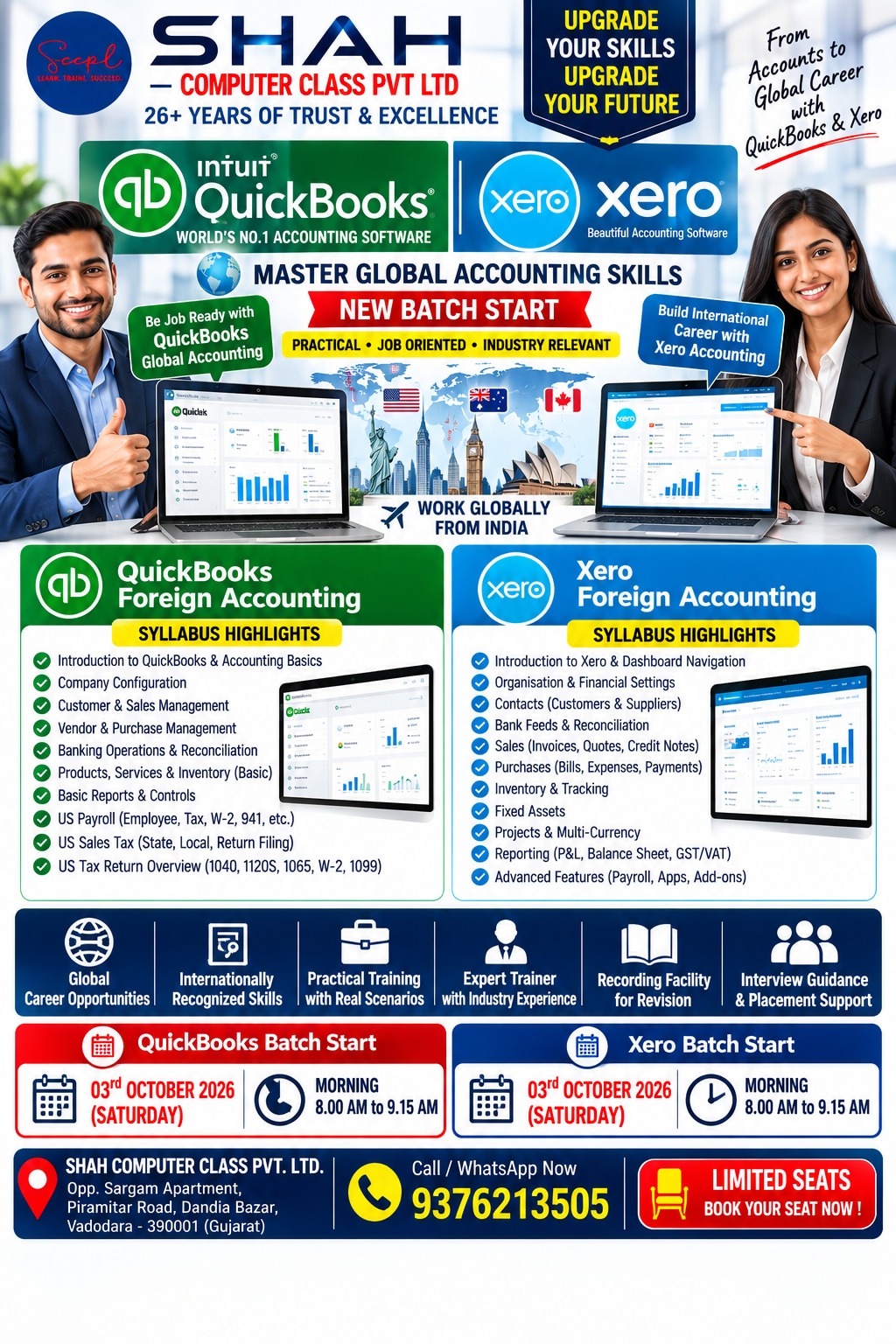
The QuickBooks module should include QuickBooks company setup, financial year, chart of accounts, opening balances, tax codes, customer and supplier records, products or services, invoice numbering, invoices, bills, credit notes, expense capture, payments, bank feeds, payroll, sales-tax settings, reports, and period closing.
Check opening balances carefully; wrong debit-or-credit treatment can create a balanced-looking but incorrect balance sheet.
The Xero module should cover Xero organisation setup, contacts, chart of accounts, tax rates, bills, sales invoices, credit notes, expense claims or receipt capture, bank rules, bank-feed matching, repeating invoices, payments, tracking categories, reports, and cash-flow reporting.
Ask which product and edition are demonstrated. QuickBooks Online versus QuickBooks Desktop differs in access, updates, file structure, integrations, permissions, and accountant collaboration. Also confirm the country edition, subscription level, payroll features, and tax settings because screens and features change by edition.
What should one transaction look like from source document to final report?
A credit sale should travel from source document to final report without a broken link. Start with the quotation or customer order, verify the customer GSTIN where applicable, choose the income account and tax code, then issue an invoice containing the serial number, date, taxable value, tax rate, and tax amount.
A practical exercise should include these transactions:
- Customer payment applied to the correct invoice, including a partial payment
- Supplier bill, supplier credit, and payment posted to the correct bill
- Bank charge, owner drawing, loan repayment, and loan proceeds
- Transfer between the business’s own bank accounts
A transfer is neither income nor an expense. Misclassifying it distorts both profit and the balance sheet.
| Platform | Complete path | Reports and control |
|---|---|---|
| QuickBooks | QuickBooks transaction workflow: invoice, later payment, bank-feed matching, and reconciliation | Accounts receivable ageing, profit and loss, balance sheet, and cash-flow report |
| Xero | Contact, invoice, payment, bank-rule suggestion or match, and Xero bank reconciliation | Ageing report and financial reports |
Training must distinguish bank-feed matching from bank reconciliation. Compare the software balance with the bank statement, identify outstanding cheques or deposits, duplicate imports, bank charges, and uncleared items, then explain the remaining difference.
Finally, use an unpaid invoice to compare cash and accrual report bases. Accrual reports show income and receivables before collection, while cash-flow figures change only when money moves. That exercise reveals why the same sale produces different apparent results.
How do QuickBooks and Xero differ when you choose a platform?
QuickBooks versus Xero should be decided by the employer’s or client’s workflow, not by a claim that one application is easier. Ask whether the ledger is QuickBooks Online, QuickBooks Desktop, Xero, or another system; changing platforms creates import, field-mapping, and opening-balance work.
| Platform | Compare in practice |
|---|---|
| QuickBooks | Check navigation, bank-feed matching, reconciliation controls, report detail, multi-currency revaluation, accountant access, client collaboration, and accounting software integrations. |
| Xero | Check the same tasks, including bank-rule suggestions, tracking categories, foreign-currency invoices, realised and unrealised differences, and period-end reports. |
Before choosing, check these workload facts:
- Transaction volume, user count, invoice and bill frequency, and whether the work covers inventory or services.
- Payroll requirements, operating currencies, and the location of customers and clients.
- For a small service business, test repeating invoices, simple bank rules, tracking categories, and cash-flow visibility.
- For an outsourced team, test reviewer permissions, audit trails, client invitations, batch work, exports, and payment, payroll, receipt-capture, or inventory integrations.
Run a foreign-currency invoice from entry through settlement and month-end revaluation before accepting either platform for overseas work. A course should also explain the accounting logic behind version-specific screens, not teach clicks alone.
For a Manjalpur learner, Shah Computer Class Pvt Ltd is worth comparing only after you confirm the software edition, practice-company files, instructor review, correction and reconciliation exercises, and hands-on assessment against the vacancy or client’s system.
Related products
 | 🔹 Quickbooks Foreign Accounting 🔹 Quickbooks Foreign Accounting ₹12500 QuickBooks Foreign Accounting Course Learn practical foreign accounting with QuickBooks and build your career in international accounting and... View product → |
 | 🔹 Xero Accounting Course (Cloud Accounting) 🔹 Xero Accounting Course (Cloud Accounting) ₹12500 Master Xero cloud accounting software with practical training. View product → |
How should Indian learners handle GST and foreign-currency accounting?
Selecting a tax code is not the same as understanding Indian GST. Treat software tax settings as a calculation aid, not tax knowledge, and apply the place-of-supply rules before posting the transaction.
| Supply type | Classification | Tax treatment |
|---|---|---|
| Intra-state | Supplier and place of supply in the same state | CGST and SGST, or UTGST where applicable |
| Inter-state | Place of supply differs from the supplier’s state | IGST, subject to the place-of-supply rules |
Practise checking every GST invoice for:
- Supplier GSTIN and recipient GSTIN where applicable
- Invoice serial number and invoice date
- Taxable value
- Tax rate
- Tax amount
Learn that GSTR-1 reports outward supplies, while GSTR-3B is a summary return used to declare liability and pay tax. A software-generated return is not automatically correct. Review purchase invoices for blocked, ineligible, or incorrectly coded input tax credit; never treat every purchase tax amount as claimable.
For overseas work, define functional currency as the currency in which the entity mainly operates, and transaction currency as the currency stated on the invoice or payment. Record the transaction-date exchange rate, then explain the exchange-rate gain or loss when settlement uses a different rate.
Revalue open foreign-currency balances at the month-end conversion rate, separating realised from unrealised differences.
Practise Indian GST in QuickBooks and Xero, including these checks and foreign-currency controls. Country settings, tax features, report names, and currency behaviour vary by edition and subscription, so verify the accounting logic in both platforms rather than memorising screens.
Which controls make QuickBooks and Xero reports dependable at month-end?
Reports become dependable only after review and period closing. QuickBooks month-end closing and its Xero equivalent should reconcile bank and control accounts, review receivables and payables ageing, post valid accruals and prepayments, clear or explain suspense accounts, check tax ledgers, investigate unusual journals, and review exchange-rate revaluation.
| Control | QuickBooks practice | Xero practice |
|---|---|---|
| Bank and ledger | Reconcile the bank feed to the statement and control accounts | Reconcile matched items and investigate uncleared balances |
| Changes | Use the audit log to identify the editor and time | Use the Xero audit trail to identify the editor and time |
| Period status | Restrict edits after approval and document the closing date | Lock the period after approval and retain the review record |
Imported opening balances need the correct debit or credit side. A balanced opening trial balance can still produce a wrong balance sheet if an asset, liability, income, or expense was posted to the wrong side.
Practise these accounting controls:
- Correct errors with an identifiable edit, reversal, or journal entry; do not delete evidence. Restrict access through user permissions.
- Export a ledger, bank statement, and tax working paper; clean CSV data; use lookup functions, filters, and pivot tables.
- Perform CSV reconciliation and pivot tables checks, including duplicate invoice numbers and agreement between the exported ledger and source records.
- Distinguish outward-supply data for GSTR-1 from the summary liability and payment figures in GSTR-3B.
The final assessment should require learners to explain a mismatch, correct a wrongly coded payment, apply a customer or supplier credit, and produce a reviewed trial balance and financial report.
Frequently asked questions
Does one course cover both QuickBooks and Xero, or are two enrolments needed?
Ask the institute directly whether one fee includes both platforms, separate practical assignments, and completion evidence for each. Some courses teach only one system, so confirm before paying.
What should one transaction look like from source document to final report?
Start with the source document, such as a sales invoice or expense receipt. Enter the transaction, attach supporting evidence, apply the correct tax and account codes, reconcile the bank entry, and confirm its effect on the profit and loss statement and balance sheet.
How do QuickBooks and Xero differ when you choose a platform?
Compare the exact plan, user limits, bank-feed availability, inventory functions, payroll support, integrations, reporting tools, and accountant access. Choose the platform that matches the business workflow rather than relying on brand preference.
How should Indian learners handle GST and foreign-currency accounting?
Practise GST tax codes, input tax credit records, sales and purchase invoices, credit notes, and reconciliation with GST records. For foreign currency, record the transaction currency, exchange rate, home-currency value, settlement difference, and any realised gain or loss.
Which controls make QuickBooks and Xero reports dependable at month-end?
Reconcile every bank and payment account, review unreconciled items, lock the reporting period after approval, restrict user permissions, verify GST codes, check aged receivables and payables, and retain invoices, receipts, and adjustment notes.