

Choosing a corporate-level Excel class in Vadodara requires more than finding a nearby computer institute. You need to compare locations, delivery formats, Excel versions, practical assignments, trainer capability, and admission terms so you select training that matches your work schedule and reporting needs.
Key takeaways
- Ask for a syllabus covering Power Query, PivotTables, dashboards, and data validation.
- Choose on-site training for employer reports, approval workflows, and internal formats.
- Confirm the Excel version, practice files, trainer experience, and assessment method.
- Compare weekday, weekend, evening, live-online, and self-paced delivery before paying.
Where working professionals can find corporate Excel training in Vadodara
Search for corporate advanced excel for training near me in vadodara across Gotri, Akota, Manjalpur, Alkapuri, and Karelibaug. Compare vocational computer institutes, Microsoft Office training providers, corporate learning consultants, and independent Excel trainers. Public classes usually follow a fixed syllabus; an on-site workshop can use your employer’s reports, formats, and approval workflow.
| Option | Provider type and location | Best reason to consider it |
|---|---|---|
| Classroom institute | Vocational or software-training centre in Gotri, Akota, Manjalpur, Alkapuri, or Karelibaug | Regular practice, face-to-face help, and weekday-evening or weekend batches |
| Live-online provider | Corporate trainer or training firm serving Vadodara | Avoids commuting and suits employees working from different locations |
| Company-site workshop | Corporate learning consultant or Excel specialist visiting your office | Uses your own sales, inventory, finance, or MIS reports and supports team-wide learning |
| One-to-one trainer | Independent Excel consultant in Vadodara | Fits shift workers or learners who need a customised pace |
Before enrolling, ask whether the provider teaches Power Pivot, the Data Model, relationships between tables, and DAX calculations. Those skills go beyond a PivotTable built from one flat range. Confirm the Excel version used in class, weekday and weekend availability, missed-session rules, and whether practice files remain accessible after training.
A provider that cannot show a corporate module plan deserves comparison with another option.
How to tell a corporate Excel syllabus from a basic class
A corporate syllabus is recognisable by the work it helps you complete, not by the word “advanced” on its brochure. A provider calling itself an advanced Excel corporate training institute in Vadodara should show a module plan, practical files, and a skills test before admission.
1. Start with a diagnostic covering relative and absolute references, IF statements, sorting and filtering, basic charts, and table creation. Without these foundations, advanced lessons become formula memorisation rather than usable training.
2. Check that the syllabus includes XLOOKUP, INDEX-MATCH, SUMIFS, IFERROR, dynamic arrays, PivotTables, chart design, and dashboard building. Ask for an exercise that combines several of these skills to produce a monthly management report.
3. Look for Power Query tasks such as importing CSV files, removing duplicates, changing data types, and refreshing a repeatable report. A basic class stops at manual copy-paste; corporate training teaches a process you can run again next month.
4. Confirm that Power Pivot and the Data Model appear separately from ordinary PivotTables. Learners should create relationships between tables and write DAX calculations, not only summarise one flat range.
5. Demand workplace projects: clean a sales export, reconcile two department files, build a budget-versus-actual dashboard, and present findings with controlled charts. Also confirm the Excel version; XLOOKUP is unavailable in Excel 2016 and 2019, so older installations require substitutes such as INDEX-MATCH.
A genuine course explains how practice files protect payroll, customer, tax, and financial data. Use anonymised or synthetic files, never confidential workplace records.
Which delivery format fits your working schedule
Choose the format that protects attendance: classroom for predictable schedules, live-online for commuting or hybrid workers, one-to-one for irregular shifts, and company-site training for teams learning the same reports.
| Option | Best fit | Check before enrolling |
|---|---|---|
| Classroom | Fixed weekday-evening or weekend availability; learners who benefit from a lab and instructor access | Batch size, travel time, desktop Excel availability, and missed-class make-up rules |
| Live-online | Remote workers, rotating shifts, or employees who cannot travel | Recording access, live practice support, attendance flexibility, and whether sessions use desktop Excel |
| One-to-one | A manager, freelancer, or shift worker needing a personalised pace | Trainer availability outside standard hours, lesson rescheduling, and practice-file access |
| Company-site | Teams that need one workflow, shared examples, and minimal travel | Minimum team size, report customisation, room and laptop requirements, and on-site session timings |
For advanced Excel classes for working professionals in Vadodara, request weekday-evening and weekend batch times in writing. Ask how many sessions you can miss, whether recordings remain available, and whether a missed practical session can be made up; a recording alone does not replace guided practice.
Choose company-site delivery when six or more employees need Power Query, Power Pivot, dashboards, or the same management report. The trainer can use anonymised versions of your files instead of forcing everyone through a generic syllabus.
If the course includes VBA or Power Pivot, confirm that the lab or your laptop has desktop Excel. Excel for the web cannot create, run, or edit VBA macros.
What to check about Excel versions, course scope, and practical work
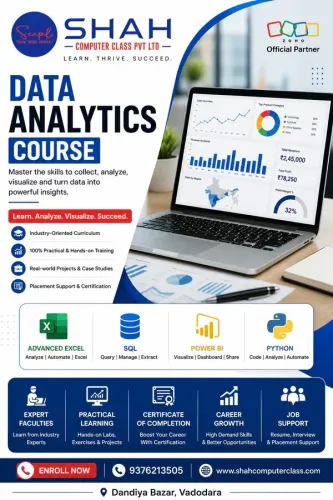
Compare the syllabus by outcome, not by the word “advanced.” An Advanced Excel course should build reliable workbooks and reports; MS Office training covers several applications, while Data Analytics training extends into statistics, databases, SQL, or visualisation tools.
| Option | What it should cover | Warning sign |
|---|---|---|
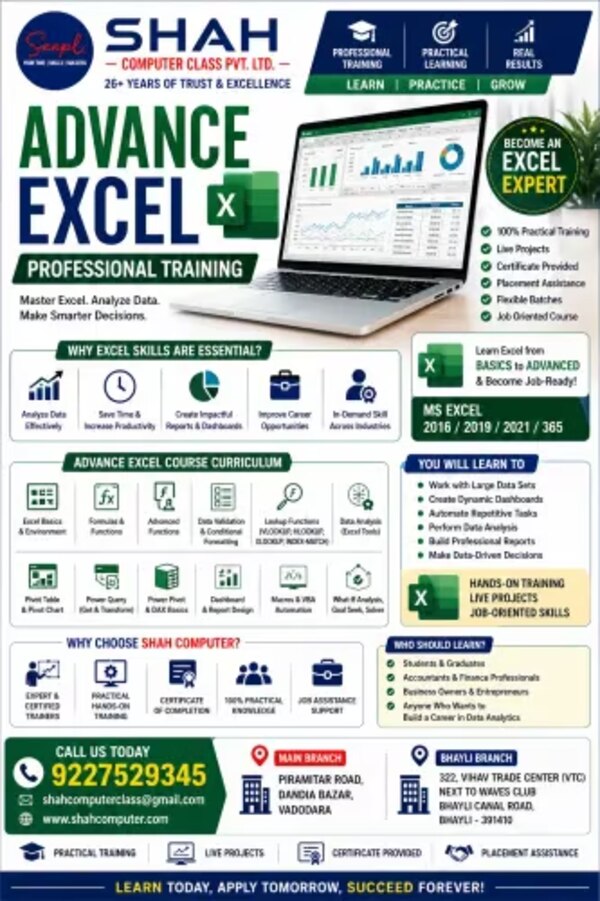
| Advanced Excel | XLOOKUP, INDEX-MATCH, SUMIFS, IFERROR, dynamic arrays, PivotTables, Power Query, dashboards, VBA, Power Pivot, Data Model, and DAX | Only formulas and formatting |
| MS Office | Word, PowerPoint, Outlook, Excel basics, and office productivity | Too little time for Excel practice |
| Data Analytics | Excel plus data preparation, statistics, SQL, Power BI, or Python | Excel is treated as one small module |
Check the software before paying. Ask which desktop Excel version the lab uses, because Excel for the web cannot create, run, or edit VBA macros. Confirm whether Power Query, Power Pivot, and the Data Model are available.
If the class uses Microsoft 365 or a newer version, ask how XLOOKUP workbooks will be supported on Excel 2016 or 2019; INDEX-MATCH is a practical substitute.
For advanced Excel course admission in Vadodara, ask for an entry diagnostic covering relative and absolute references, IF statements, sorting, filtering, charts, and tables. Without this check, advanced lessons become memorised formulas.
Your fee should include:
- Messy practice files and answer workbooks
- A final project involving cleaning, refreshing, and presenting a business report
- Formula debugging and workbook error handling
- Post-course support for questions, refresh failures, and broken formulas
Questions to ask before paying for a Vadodara course
Do not pay until the provider answers these six questions in writing. Use them during advanced Excel course admission in Vadodara, whether you choose a classroom, live-online, or company-site batch.
1. What are the batch terms? Confirm weekday and weekend timings, session frequency, total duration, maximum batch size, fees, recording access, practice-file access, and the missed-class or refund policy.
2. Who will train us? Ask for the trainer’s recent corporate teaching experience and request a short sample session. Confirm that the trainer covers Power Pivot, the Data Model, DAX, Power Query, dashboards, and business reporting—not only formulas and PivotTables.
3. How will you assess progress? Require practical tests using sales, inventory, reconciliation, payroll-style, or management-report files. The assessment should check whether you can import, clean, calculate, summarize, validate, and present data.
4. How will workplace data be protected? Never upload real payroll, customer, tax, or financial files without written safeguards. Use anonymized or synthetic data, and ask who can access, store, and delete your files.
5. What exactly does the certificate prove? Check the issuing name, course title, attendance or assessment requirement, issue date, and whether the certificate records the Excel version and topics completed.
6. Can you prove provider credibility? Check a verifiable business address, recent learner references, written fee terms, and version compatibility. Ask whether XLOOKUP is taught with INDEX/MATCH alternatives for Excel 2016 or 2019. Shah Computer Class Pvt Ltd is one Vadodara provider you can ask these questions directly.
Related products
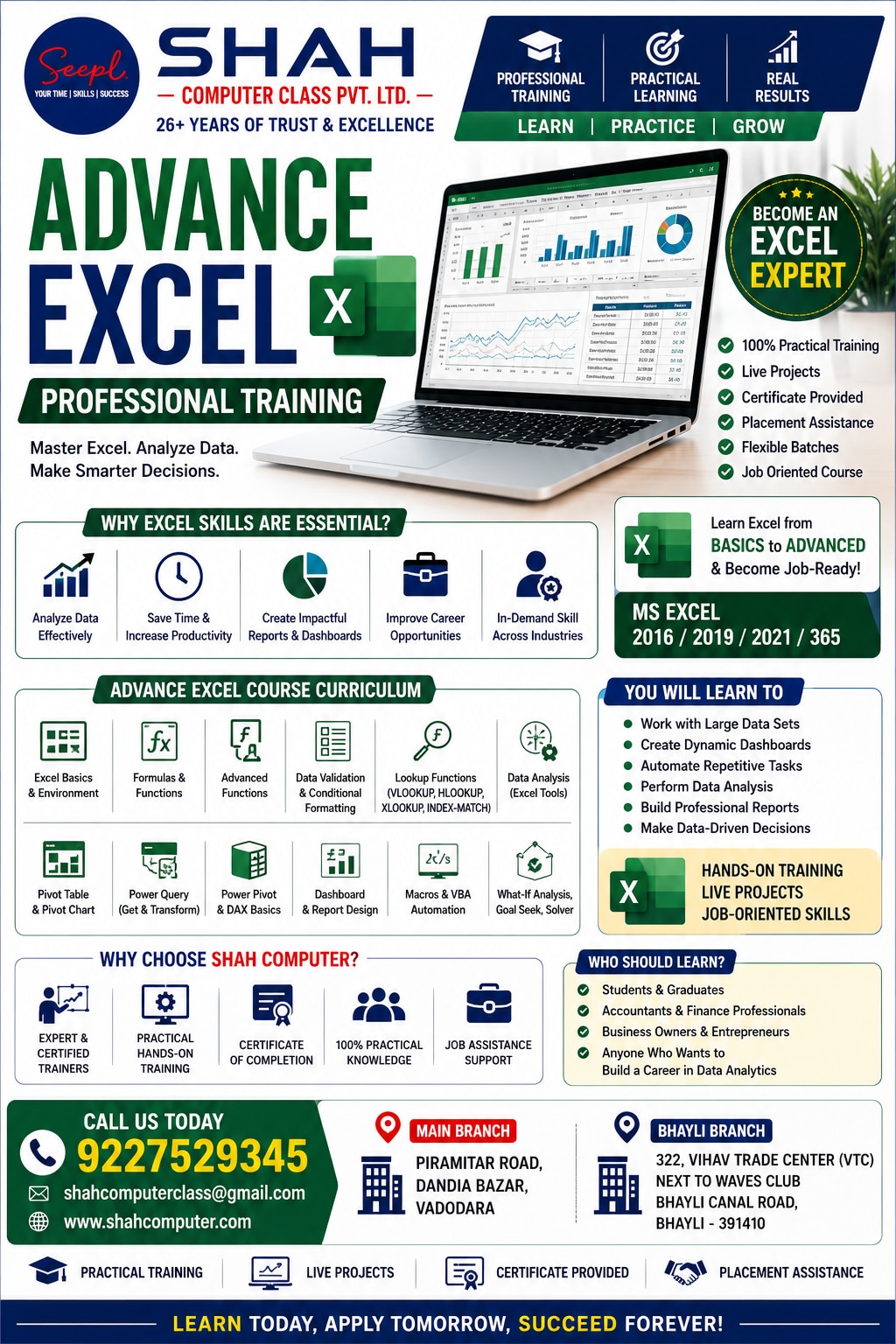 | 🔹 Advanced Excel Course (Corporate Level) 🔹 Advanced Excel Course (Corporate Level) ₹10000 Upgrade your skills with Advanced Excel training. Learn formulas, pivot tables, dashboards, MIS reports, and data analysis tools used in corporate... View product → |
 | 🔹 MS Office Course (Basic to Advanced) 🔹 MS Office Course (Basic to Advanced) ₹7000 Learn MS Word, Excel, PowerPoint and office tools for daily professional work. Ideal for students and job seekers. View product → |
Frequently asked questions
Where can working professionals find corporate Excel training in Vadodara?
Compare vocational computer institutes, Microsoft Office training providers, corporate learning consultants, and independent Excel trainers across Gotri, Akota, Manjalpur, Alkapuri, and Karelibaug. Ask whether they offer public batches, on-site workshops, or live online sessions.
How is a corporate advanced Excel syllabus different from a basic class?
A corporate syllabus should go beyond formatting and simple formulas. Look for XLOOKUP or INDEX-MATCH, IFERROR, PivotTables, charts, data validation, conditional formatting, Power Query, dashboard design, and workbook protection. It should also include exercises based on business reports and recurring work tasks.
Which Excel training delivery format suits a working schedule?
Choose evening or weekend public classes when you need a fixed timetable and peer practice. Choose on-site training when the trainer can work with your company’s reports, templates, approval workflow, and data rules. Live online classes suit remote teams, while self-paced study requires consistent practice time.
What should you check about Excel versions, course scope, and practical work?
Confirm whether the training uses Excel 2016, 2019, 2021, Microsoft 365, or another version because functions and Power Query features differ. Ask to see practice files, the project brief, assessment method, and the exact modules included before admission.
What questions should you ask before paying for an Excel course in Vadodara?
Ask for the complete syllabus, batch size, trainer’s corporate experience, class schedule, replacement or missed-session policy, software version, practice dataset, project feedback process, certificate details, and total fee. Request a demo or sample exercise if the provider offers one.
Related product
 | 🔹 Data Analytics Certification Course 🔹 Data Analytics Certification Course ₹54000 🔹 Data Analytics Course Become a skilled Data Analyst with our industry-focused Data Analytics Course designed for students, job seekers, working... View product → |